
Google Play Store
Google Play Store is Google's digital distribution platform for Android, used to find, install and update apps, games and books.
101.1 MB

153.0.8010.36 · Google LLC · Page updated
Android System WebView is a Google system component, based on Chromium, that lets Android apps display web content inside the app.
Average 0.0 · ratings: 0
Thank you! Your rating is saved; you can change it. Could not save the rating. Please try again later. Too many ratings from your network today. Please try again tomorrow. The average appears after 5 ratings.
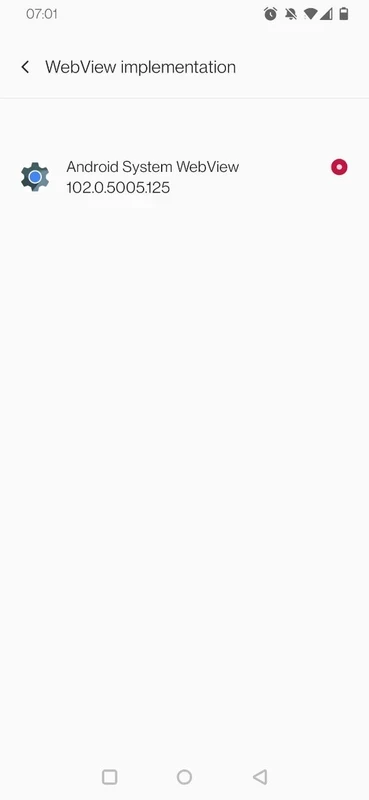
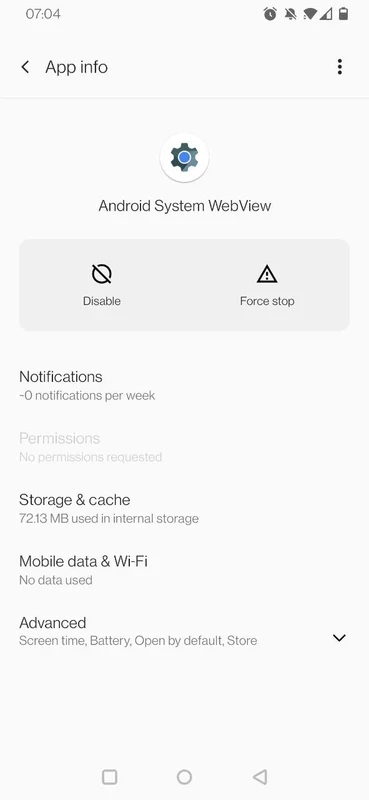
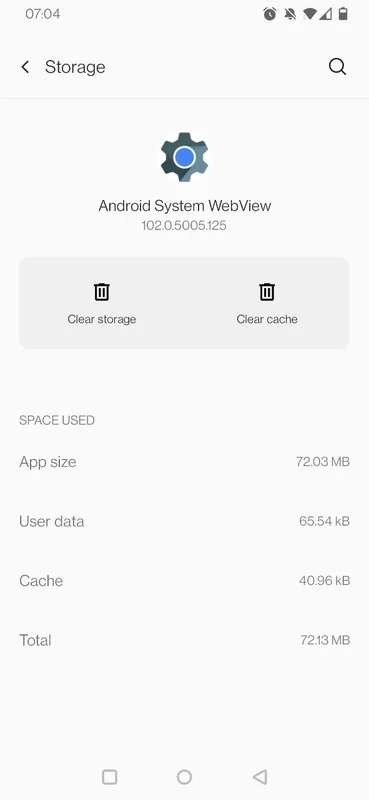
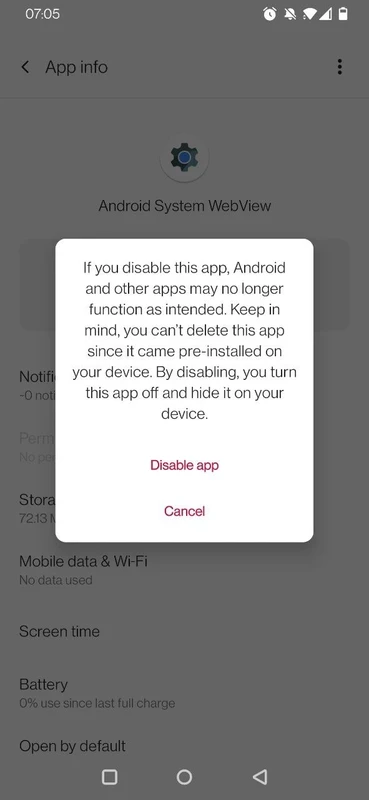
Android System WebView 153.0.8010.36 is a system component from Google that lets Android apps show web pages inside the app without opening a browser. It is preinstalled on Android phones and updated through Google Play, so most people meet it only when they see an Android System WebView update in the store.
Many apps display web content: login screens, help pages, news articles, terms of service, in-app shops, even whole interfaces built with web technology. Instead of each app shipping its own browser engine, Android provides one shared engine, WebView, that any app can use. It is built from Chromium, the open-source project behind Google Chrome, and follows the same versions and security fixes. When you open a link inside a social or email app and the page appears in a panel within the app, WebView is usually doing the work. Google documents WebView for developers in the Chromium source repository.
WebView processes content from the internet, so it is a common target for attacks. Updates close security holes and fix crashes. When WebView is outdated or broken, apps that depend on it can crash immediately after opening. Keeping automatic updates on in Google Play is the simplest protection.
On most current Android versions, you cannot remove it completely, and disabling it can break apps. On some older versions and devices, Chrome can take over the WebView role, which is why WebView may appear disabled there; that is normal. If you uninstalled updates to fix a problem, reinstall them once the issue is solved.
Developers and testers can try WebView Beta, Dev or Canary builds to check apps before new versions reach everyone; the prerelease guide explains how to switch. Regular users should stay on the stable version.
WebView runs on Android devices with Google Play. The package is large, about 255.60 MB according to catalogue data, because it contains a full browser engine; updates may need some free storage.
Yes, when it comes from Google Play: it is an official Google component and free. Do not install WebView APK files from third-party sites, since a modified copy would see content from all your apps.
Google Play Store delivers WebView updates, Google App uses web content heavily, and browsers like Google Chrome share the same Chromium engine. Shizuku and Activity Launcher on our site are other system-level tools for advanced users.
Google Play Store is Google's digital distribution platform for Android, used to find, install and update apps, games and books.

APKPure is a third-party app marketplace for Android that installs apps from APK files outside Google Play. This page covers version 3.20.7803.

Aptoide is an open-source alternative app store for Android, running since 2009. This page covers version 9.22.5.3.

QuickShortcutMaker is a small Android tool for creating home screen shortcuts to specific screens of installed apps, including hidden settings.